
Access restriction
Desktop simulation is a demonstration function intended for authorised commercial and technical engineers. It bypasses the radar front end and injects simulated data into the message stream. Do not use it to prove live detection performance or leave it enabled on an operational installation.
Start simulation
1. Power the AGD318 and wait for the status LED to flash.
2. Connect to the detector over Wi-Fi using the approved product instructions.
3. Open the Terminal page.
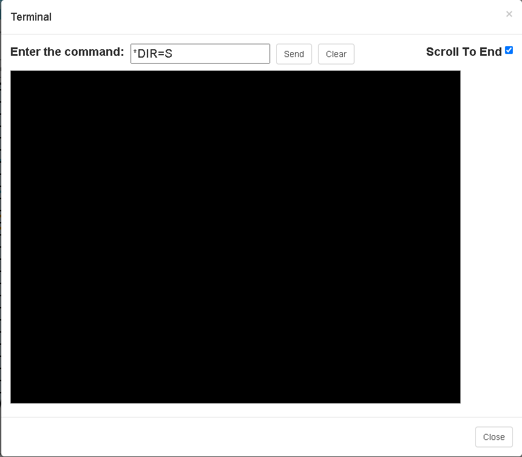
4. Enter the command below and select Send.
*DIR=S
5. Close the Terminal page and observe the configured detection zones.
Simulated sequence
|
Order |
Direction |
Speed |
|
1 |
Approaching |
30 mph |
|
2 |
Approaching |
76 mph |
|
3 |
Receding |
30 mph |
|
4 |
Receding |
76 mph |
The four targets are separated by a three-second pause.
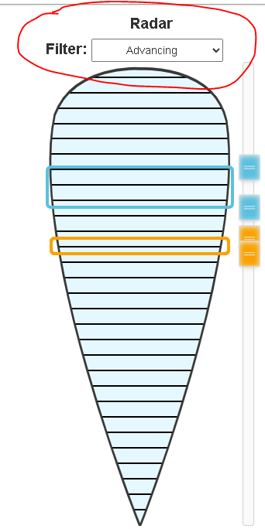
Note: During the simulation mode the ‘Radar Filter’ menu (shown below) is not relevant and is ignored.
If this value is changed then the simulation mode will be cancelled.
Zone position, power and speed settings can be changed while the sequence runs.
Applies to AGD318 Wi-Fi variant with the compatible MI-199 firmware described in TAN44
Source TAN44 issue 1 8 August 2022